 ttdownloader
- No Watermark
- HD Quality
- 100% Free
- No Login Required
Save video without watermark
How to Download TikTok Videos with TTDownloader
3 simple steps to save any TikTok video without watermark
-
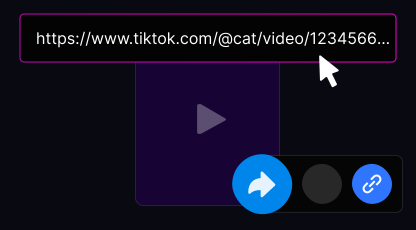
Copy the TikTok Video Link
Open the TikTok app or website, find the video you want to save, tap Share, and select Copy Link.
-
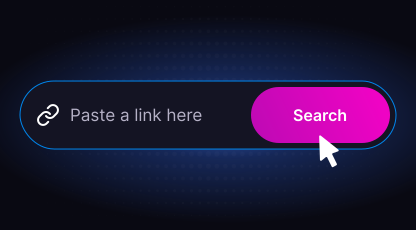
Paste the Link into TTDownloader
Open ttdownloader.video and paste the copied TikTok link into the input field.
-
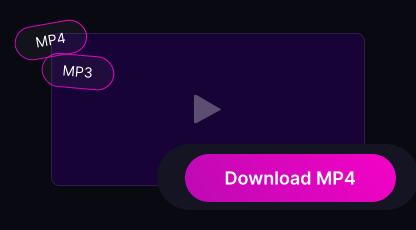
Download Your Video
Select your preferred format (MP4 or MP3) and click Download. The file is saved to your device in seconds.
How to Save TikTok Videos on iPhone/iPad
- iOS 13+: videos save directly to the Files app → Downloads folder
- Use Safari browser for the best download experience
- Saved files are accessible from the Photos app or Files
How to Save TikTok Videos on Android
- Videos save automatically to your Downloads folder
- Access files through the Gallery app or file manager
- Compatible with Chrome, Firefox, Opera, and Samsung Internet
How to Save TikTok Videos on PC/Mac
- Files download to your browser's default download folder
- Videos can be opened with any media player
- Works on Windows, macOS, Linux, and ChromeOS
Frequently Asked Questions
-
Is downloading TikTok videos with TTDownloader legal?
Yes, downloading videos for personal use is generally permitted. Always respect copyright laws and the rights of content creators.
-
Does TTDownloader remove watermarks automatically?
Yes. All videos downloaded through TTDownloader are saved without TikTok watermarks.
-
Can I download TikTok videos in HD quality?
Yes. TTDownloader supports up to 1080p Full HD resolution.
-
Do I need a TikTok account to download?
No. Simply copy the video URL and paste it into TTDownloader. No login or account required.
-
Can I save TikTok videos on iPhone?
Yes. Use Safari on iOS 13 or later. Videos save to the Files app → Downloads folder.
-
Can I save TikTok videos on Android?
Yes. Videos are saved directly to your Downloads folder. Works with Chrome, Firefox, and Samsung Internet.
-
Can I download TikTok audio as MP3?
Yes. TTDownloader lets you extract audio from any TikTok video and save it as a high-quality MP3 file.
-
Is there a download limit?
No. TTDownloader is completely free with no daily or monthly download limits.
-
Can I download private TikTok videos?
No. Only publicly available TikTok videos can be downloaded. Private videos are protected by TikTok's privacy settings.
-
Where are downloaded files saved?
iPhone: Files app → Downloads. Android: Downloads folder. PC/Mac: your browser's default download location.
Trusted by Millions Worldwide
- 50M+ Videos Downloaded
- 4.9/5 User Rating
- 180+ Countries Served
- 99.9% Uptime
-
"I use this for vocal practice — TikTok often has great melodies I want to warm up with or turn into a cover. Being able to save audio directly on my phone saves a lot of time."
-
"I use it regularly to save music for my dance classes. It works consistently well."
-
"Nice tool — downloaded a TikTok sound for my ringtone in seconds. Simple and fast."
- SSL Encrypted
- No Data Storage
- GDPR Compliant
- 99.9% Uptime