-
Is this TikTok MP3 converter free?
Yes, 100% free. No hidden fees, no download limits, no subscriptions required.
-
How do I convert TikTok to MP3?
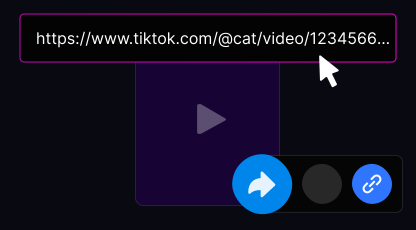
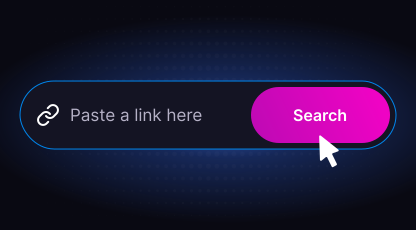
Copy the TikTok video URL, paste it into the input field above, select MP3 format, and click Download.
-
What audio quality is the MP3?
High quality — up to 320kbps depending on the original TikTok audio source.
-
Where is the MP3 saved on my phone?
iPhone: Files app → Downloads folder. Android: Downloads folder. PC: your browser's default download folder.
-
Can I convert TikTok sounds and music to MP3?
Yes. Paste any TikTok link — including sounds, duets, and videos with background music — and extract the audio as MP3.
-
Does it work on iPhone?
Yes. Use Safari on iOS 13 or later for direct MP3 download to the Files app.
-
Do I need to create an account?
No. TTDownloader works completely anonymously with no registration required.
-
Can I download private TikTok audio?
No. Only public TikTok videos can be converted to MP3. Private content is protected by TikTok's privacy settings.
-
Is it legal to download TikTok audio as MP3?
Downloading for personal, non-commercial use is generally permitted. Always credit original creators if reposting their content.
-
Why is my download not working?
Check that the URL is a valid TikTok link and the video is publicly available. Try disabling your ad blocker, using a different browser, or clearing cache.