-
Is TikTok to MP4 conversion free?
Yes, 100% free. No limits, no fees, no subscriptions required.
-
How do I convert TikTok to MP4?
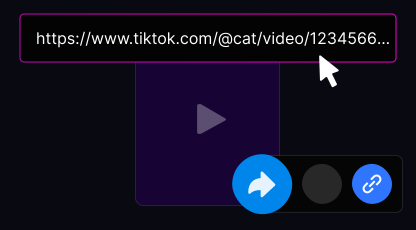
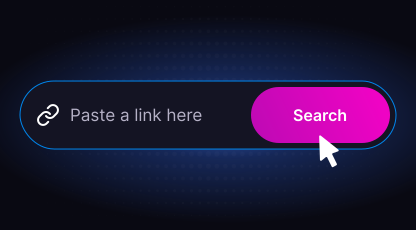
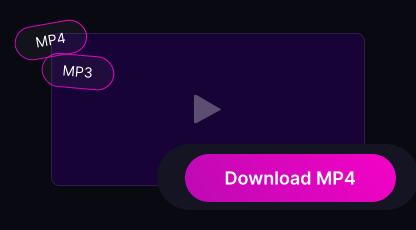
Copy the TikTok video URL, paste it into the input field above, select MP4 format, and click Download.
-
What quality is the MP4?
Up to Full HD 1080p. You can choose between Auto (best available), 1080p, 720p, or 480p quality.
-
Does the MP4 have a TikTok watermark?
No. All MP4 files are downloaded clean without any watermarks or TikTok branding.
-
Can I convert TikTok to MP4 on iPhone?
Yes. Use Safari on iOS 13 or later for direct MP4 save to the Files app.
-
Where is the MP4 saved on my device?
iPhone: Files app → Downloads. Android: Downloads folder. PC/Mac: your browser's default download folder.
-
Do I need to install any software?
No. Everything runs in your browser — no apps, no extensions, no plugins required.
-
Can I download private TikTok videos as MP4?
No. Only public TikTok videos can be converted and downloaded. Private content is protected by TikTok's privacy settings.
-
Can I download TikTok slideshows as MP4?
Yes. TikTok photo slideshows are automatically merged into a single MP4 video file during conversion.
-
Why is my MP4 download not working?
Check that the URL is a valid public TikTok link. Try disabling your ad blocker, using a different browser (Chrome or Safari recommended), or clearing your cache.